

View, search, and compare DICOM tags, VR and transfer syntax from medical imaging files online for free. Browse the full DICOM tag list — no upload.

Compare two DICOM files tag by tag. See what changed, what is unique to each file and what is identical — including inside sequences. Export as CSV.
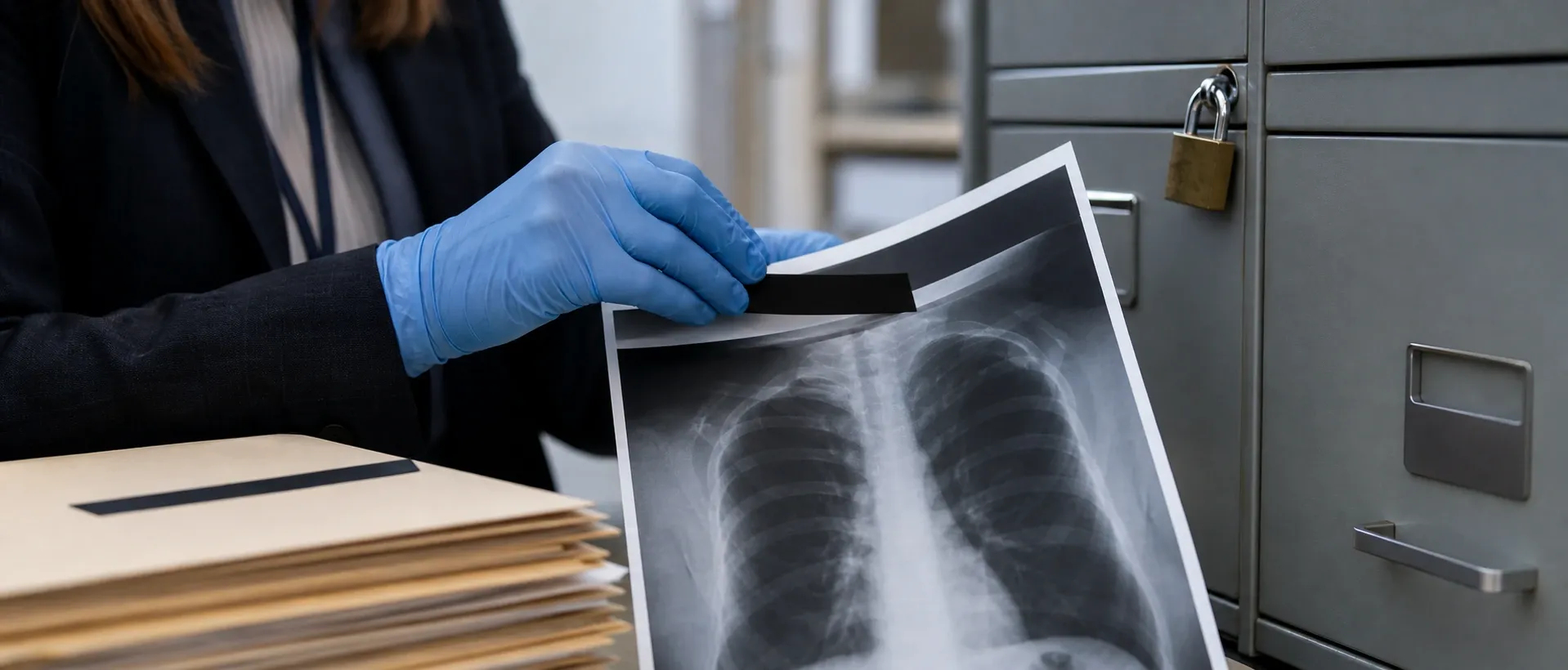
Remove Protected Health Information (PHI) from DICOM files for free. HIPAA Safe Harbor-aligned de-identification, all processing in your browser.
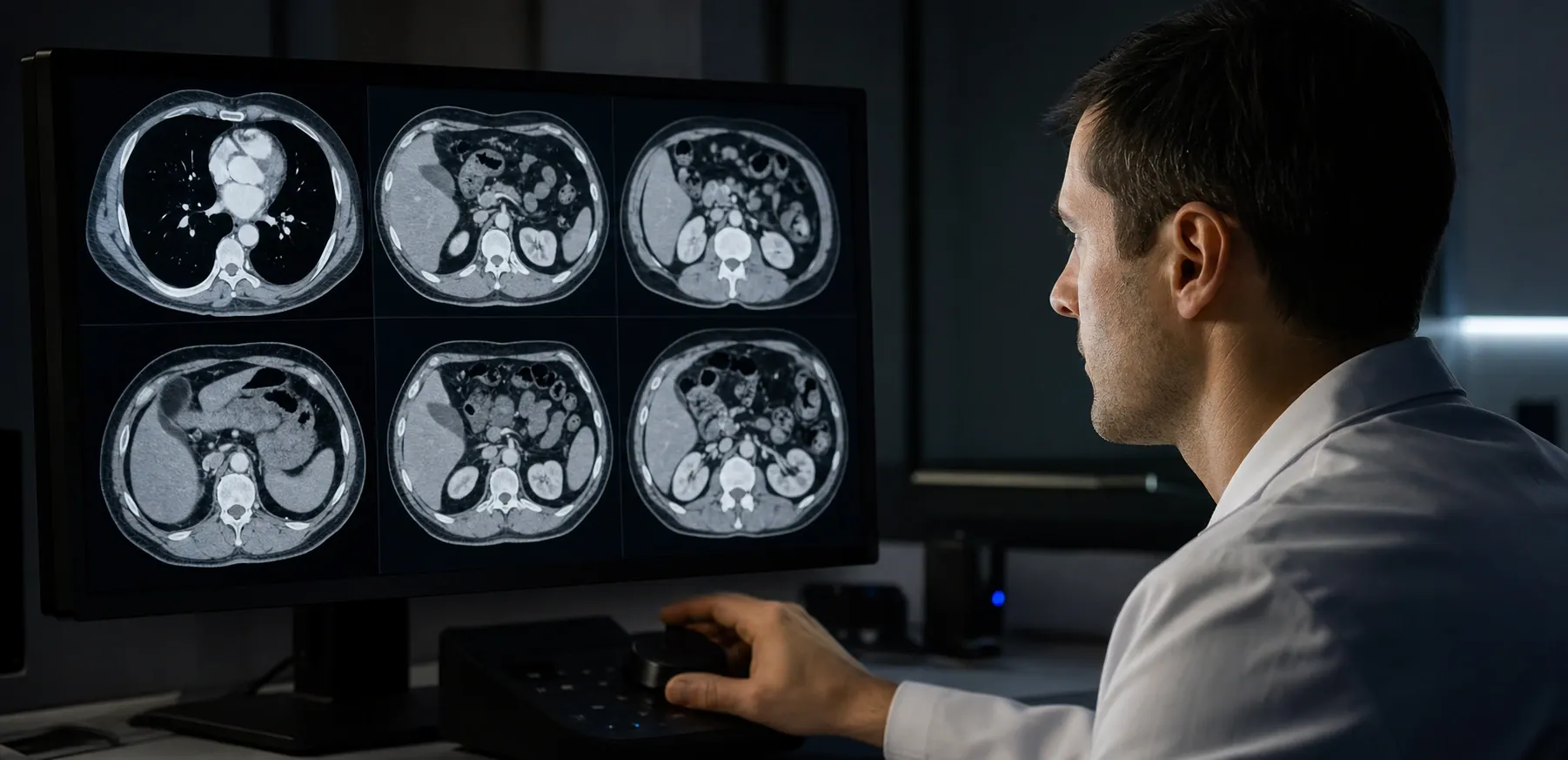
View DICOM medical images in your browser with windowing controls, multi-frame support, and zoom. Free, private, no upload.
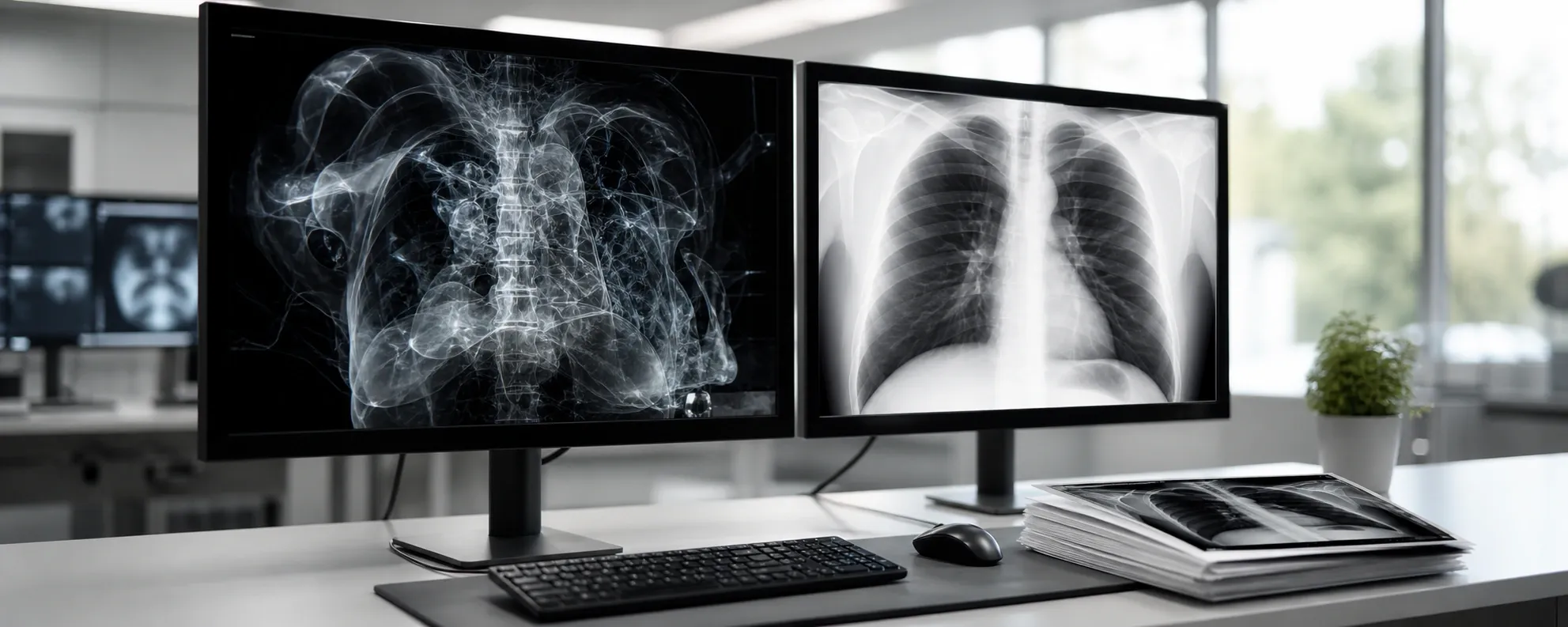
Convert DICOM (.dcm) images to JPEG or PNG in your browser. Adjust window/level, pick frames, export single images or a ZIP. 100% private, no uploads.

DICOM tag dictionary: browse and look up 4,400+ standard tags by tag ID, keyword, VR, or group. Free online DICOM data dictionary reference.
Why Use DICOM Tools?
Frequently Asked Questions
Are these DICOM tools suitable for HIPAA-conscious workflows?
All processing occurs locally in your browser. No DICOM files or patient data are uploaded to any server. This client-side-only architecture supports HIPAA-conscious workflows for testing and validation purposes. It does not substitute for a formal compliance assessment of your organization's full data pipeline.
What DICOM file formats are supported?
Standard DICOM Part 10 files (.dcm, .dicom, and extension-less DICOM files) are supported. Compressed transfer syntaxes including JPEG Baseline, JPEG 2000, and RLE Lossless are handled.
Can I use these tools for PACS migration and QA?
Yes. The tag viewer, image viewer, and de-identification workflows are designed for migration validation, interoperability checks, privacy audits, and troubleshooting in radiology and imaging environments.
Can these tools be used for clinical decision-making?
No. These tools are designed for integration testing, debugging, and education — not for clinical diagnosis or treatment decisions. Always use certified medical devices and clinical systems for patient care.
Is my patient data ever stored or transmitted?
No. All file data remains in your browser session and is cleared when you close or refresh the page. Nothing is ever stored on disk, in a database, or transmitted to any server.