Why De-Identification Matters
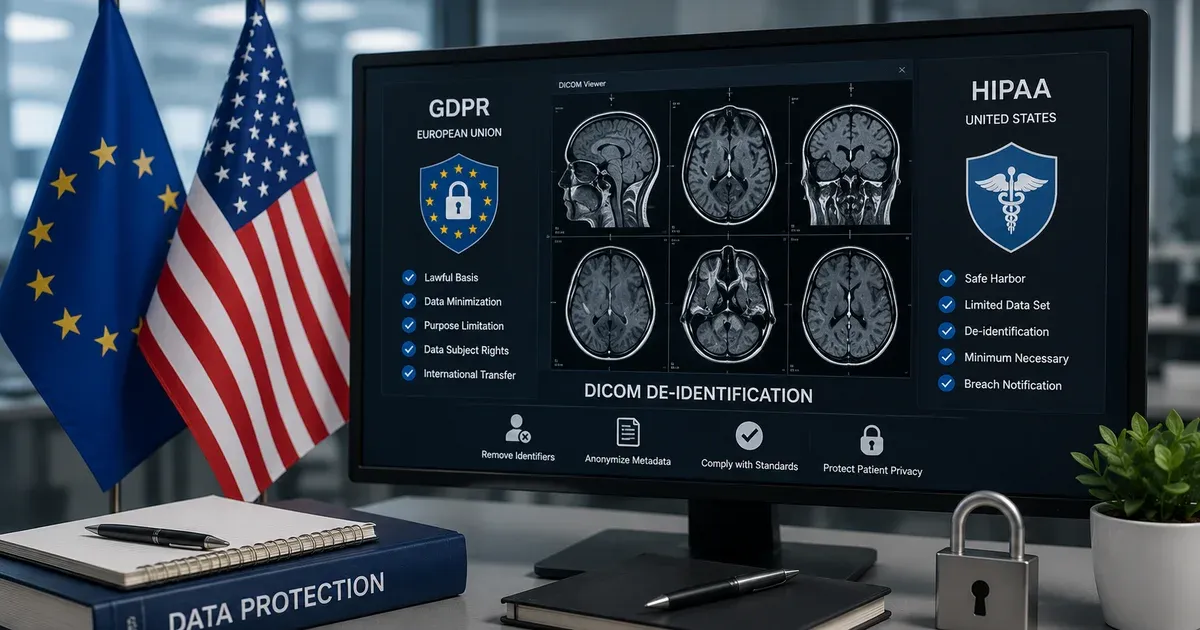
Medical imaging datasets are invaluable for clinical research, AI model training, and multi-site collaborations. However, DICOM files embed dozens of tags containing Protected Health Information (PHI) — patient names, dates of birth, medical record numbers, referring physician names, and institutional identifiers. Sharing these files without proper de-identification violates HIPAA, GDPR, and most institutional data-governance policies.
HIPAA Safe Harbor Method
The HIPAA Privacy Rule defines two de-identification methods. The Safe Harbor method requires removing 18 categories of identifiers, including names, geographic data smaller than a state, dates (except year), phone numbers, email addresses, Social Security numbers, medical record numbers, and biometric identifiers. In the DICOM context, this translates to specific tags: (0010,0010) Patient Name, (0010,0030) Patient Birth Date, (0010,0020) Patient ID, (0008,0050) Accession Number, and many others.
Categories of PHI in DICOM
- Patient Demographics: Name, birth date, sex, age, weight, address, and ethnic group.
- Patient Identifiers: Patient ID, other patient IDs, insurance plan, and social security numbers embedded in comments.
- Institutional Information: Institution name, department, station name.
- Physician Information: Referring physician name, performing physician, operator name.
- Dates and Times: Study date, series date, acquisition date, content date — all can be combined with other data to re-identify patients.
- Study and Accession IDs: Accession number, study ID — often used as cross-references in hospital systems.
- Private Tags: Vendor-specific tags (odd group numbers) may contain proprietary patient-identifiable data that standard de-identification profiles miss.
Empty vs. Placeholder Mode
When de-identifying, you can choose to clear values (set them to empty strings) or replace them with standardized placeholders like "ANONYMIZED" or "19000101". The placeholder approach preserves the tag structure and data types, which can be important for downstream software that expects non-empty values. The empty approach is more aggressive and may be preferred when maximum privacy is required.
DICOM Confidentiality Profiles (PS3.15)
Beyond HIPAA Safe Harbor, the DICOM standard itself defines formal confidentiality profiles in Part 15, Annex E. The Basic Application Level Confidentiality Profile specifies actions (D = replace with dummy, Z = zero-length, X = remove, K = keep) for over 300 standard attributes. Supplementary profiles include Retain Safe Private Option (keeps marked-safe private tags), Retain UIDs Option (preserves Study/Series/SOP Instance UIDs for longitudinal tracking), Retain Patient Characteristics Option (keeps age, sex, and body measurements when needed for research), and Retain Device Identity Option (preserves equipment serial numbers for calibration studies).
Choosing the right profile combination depends on your use case. Multi-site clinical trials typically apply the Basic Profile with Retain UIDs so that follow-up scans can be linked. AI training datasets often use the Basic Profile without any retain options for maximum privacy. Understanding these profiles helps you configure de-identification rules that meet both regulatory requirements and research needs simultaneously.
Re-identification Risks and Mitigation
Even after removing all 18 HIPAA Safe Harbor identifiers, residual re-identification risks remain. Unique imaging characteristics — such as dental structures in head CTs, surgical implant serial numbers visible in pixel data, or rare pathology patterns — can potentially link de-identified images back to individuals. Quasi-identifiers like combinations of age, sex, and geographic region can narrow down patients when cross-referenced with external datasets.
Mitigation strategies include date shifting (applying a random but consistent offset to all dates within a patient's study set), k-anonymity verification (ensuring at least k records share the same quasi-identifier values), and pixel scrubbing (detecting and redacting burned-in text overlays using OCR-based tools). For high-risk datasets containing facial structures or rare conditions, consider applying defacing algorithms that remove recognizable facial geometry from volumetric head scans while preserving brain anatomy.
Best Practices
Always verify de-identification results by re-inspecting the output file. Check that burned-in annotations on pixel data (ultrasound headers, CR overlays) are handled separately, as tag-level de-identification does not modify pixel data. Maintain a log of which categories were removed and which mode was used. For multi-site research, agree on a common de-identification profile before exchanging datasets to ensure consistency across institutions.
When building de-identification workflows, establish a documented standard operating procedure (SOP) that specifies which profile to apply, which retain options to enable, and how to handle edge cases like corrupted tags or missing values. Archive the SOP alongside your de-identified datasets so that future auditors and collaborators can reproduce the exact process. Periodically review your approach as new DICOM supplements and regulatory guidance are published.
A strong operational pattern is to treat de-identification as a two-step release workflow. First, run a deterministic profile that removes direct identifiers, replaces UIDs as needed, and records which categories were touched. Second, inspect the output with a tag viewer and, for modalities that commonly burn patient data into the pixels, add a separate visual review step before publication or transfer. This separation of duties is especially useful for teaching archives, AI-training datasets, and cross-border research exchanges where one missed field can invalidate an entire release.
Teams should also define in advance when it is acceptable to retain device and workflow metadata. Keeping manufacturer model name, protocol name, or study description may be necessary for reproducibility, but each retained attribute should map back to a documented business purpose. If an auditor asks why a field was preserved, the answer should be specific: model-performance stratification, reconstruction research, dose analytics, or longitudinal linkage. That level of discipline is what distinguishes a defensible de-identification program from ad hoc file cleaning.
A Worked Example: Preparing a Teaching-File Series
A radiology fellow assembling a synthetic teaching-file series for a resident conference starts by uploading each .dcm file and reviewing the PHI scan results together — confirming that the synthetic patient name, birth date, and referring physician are all flagged. Placeholder mode is the right choice here rather than empty mode, since a teaching archive's cataloging software often expects a non-empty PatientName field to sort and display cases correctly. After de-identifying, the private-tag removal option strips any vendor-specific tags the scanner attached, since those are the least standardized and the easiest category to overlook. Before the series is added to the teaching archive, each file is reopened in a tag viewer to confirm the Patient Identity Removed and De-identification Method tags were set, and every frame is checked visually for a burned-in annotation — a common source of ultrasound and secondary-capture identifiers that tag-level de-identification cannot touch.
When Not to Use This Tool
This tool de-identifies a curated set of roughly 40 tags across 7 categories, chosen to cover the identifiers that map to the 18 HIPAA Safe Harbor categories — it is not a dictionary-driven implementation of every action in DICOM PS3.15 Annex E's Basic Application Level Confidentiality Profile, which specifies handling for well over 300 standard attributes, including UID re-mapping, curve and overlay data, and structured-report content. It also cannot touch patient information burned into the pixel data itself — a name overlaid on an ultrasound frame or an annotation from a scanner console survives de-identification untouched and needs a separate visual (or OCR-assisted) review. Treat this as a strong first pass covering the common Safe-Harbor-aligned metadata fields, not a certified, audited compliance product — a formal research-data-sharing agreement or multi-site trial should still specify its own reviewed profile.
PS3.15 Basic Profile Action Codes at a Glance
The formal DICOM confidentiality profile expresses its rules as single-letter actions per attribute. This tool's two modes correspond to a subset of them:
| PS3.15 action | Meaning | This tool's equivalent |
|---|
| D | Replace with a non-zero-length dummy value | Placeholder mode |
| Z | Replace with a zero-length value | Empty mode |
| X | Remove the attribute entirely | Private-tag removal |
| K | Keep the attribute unchanged | Any tag outside the scanned categories |
The full profile applies these actions across hundreds of attributes with several optional variants (Retain UIDs, Retain Device Identity, and others); this tool implements the common core rather than every optional branch.
Working Alongside Other DICOM Tools
De-identification sits in the middle of a typical DICOM safety chain. Start by opening the original file in the DICOM Tag Viewer to see exactly what metadata — and what PHI — it carries before you touch anything. Run it through this de-identifier next. Finally, if the cleaned file needs to become a shareable JPEG or PNG for a report or slide deck, the DICOM Converter handles that last step. Inspect, de-identify, convert — in that order — is the safest sequence for anything leaving a controlled clinical environment.