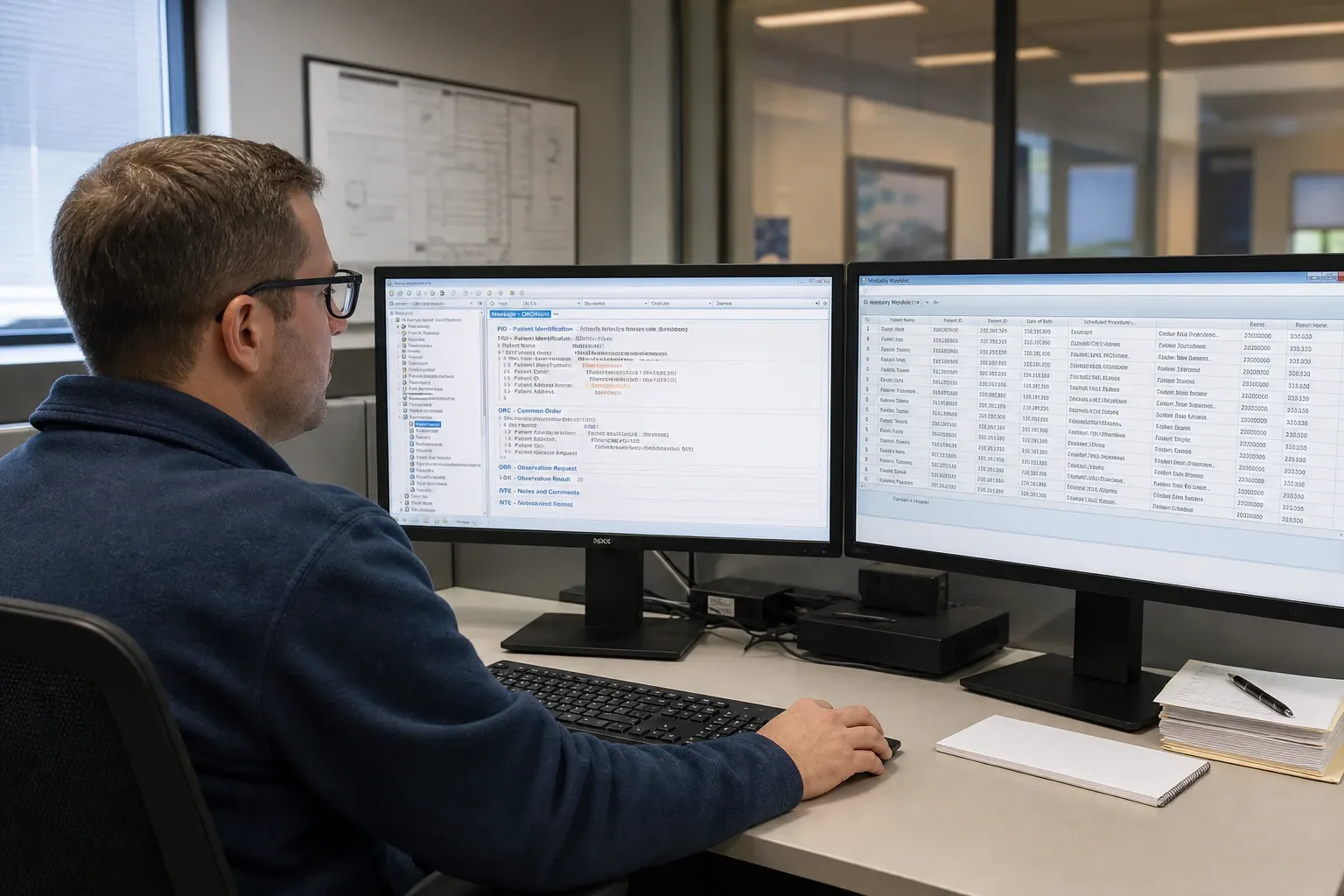
Introduction: Why Worklist Quality Determines Imaging Workflow Quality
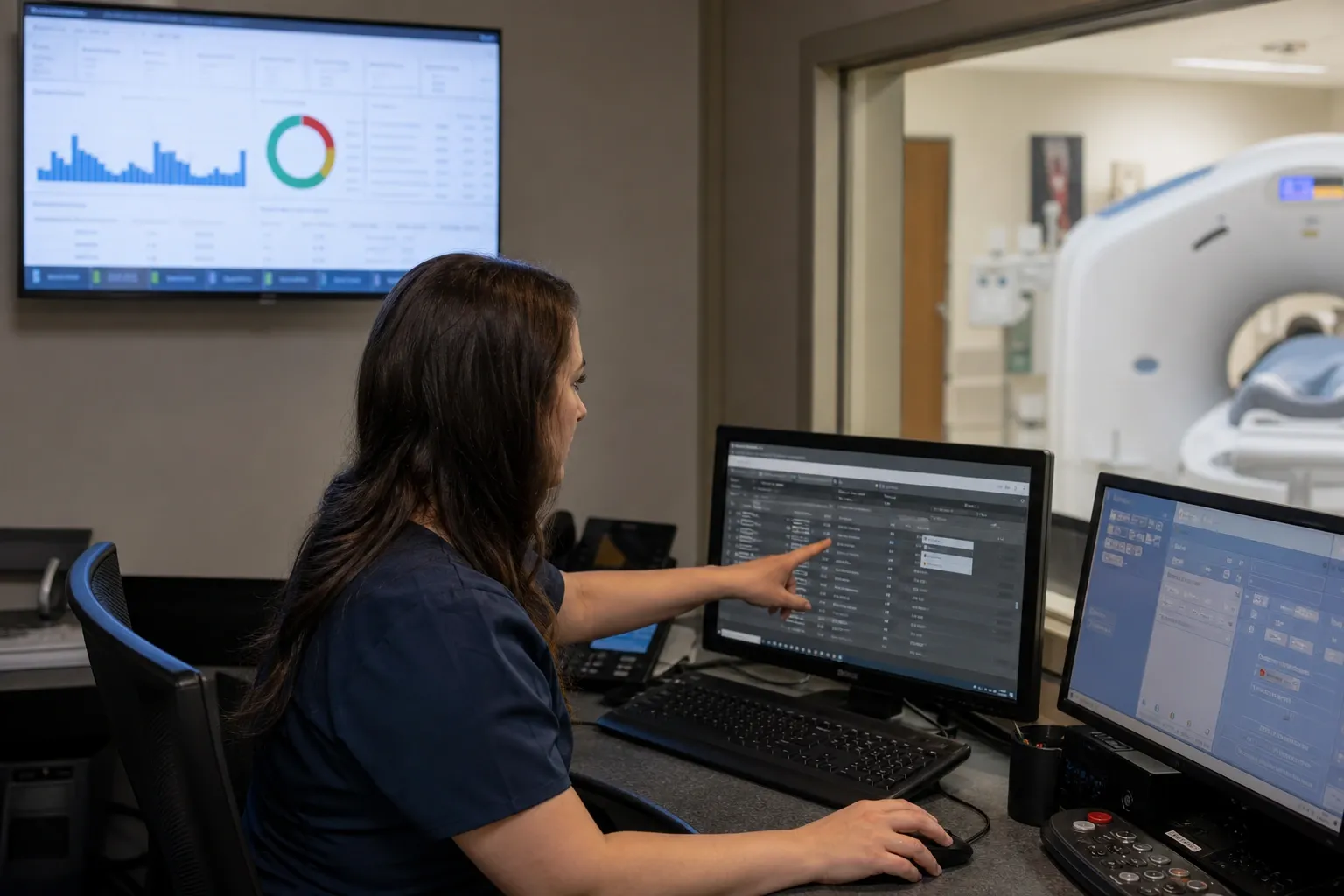
Radiology teams rarely think in terms of HL7 segments and delimiter characters when the day starts. They think in terms of a scanner queue that must be accurate, current, and safe. If a CT technologist opens a modality console and sees the wrong patient, the wrong procedure description, or an order that should have been canceled an hour ago, the problem is not abstract integration architecture anymore. It is operational risk. Building radiology worklists from HL7 ORM messages is therefore not just a data transformation exercise. It is the control point that turns physician intent into a usable schedule for imaging staff.
In most hospital environments, an electronic health record or computerized physician order entry system emits an ORM^O01 message when a radiology exam is ordered. That order then passes through an interface engine, RIS, or PACS-adjacent workflow layer that extracts the patient, encounter, order, and procedure data needed to create a worklist entry. The output must be complete enough for the modality or scheduling console, but also stable enough to survive updates, corrections, and cancellations without duplicating or orphaning studies.
This guide focuses on the practical mechanics of that transformation. You will see which segments matter most, how common fields map into worklist attributes, how to handle lifecycle events such as changes and cancellations, and what validation steps prevent the classic go-live failures. If you want to inspect real messages as you read, use our HL7 Viewer. If you want to model the resulting output directly, the HL7 Radiology Worklist Builder is the fastest way to test your assumptions.
What a Radiology Worklist Builder Actually Does
A worklist builder sits between generic order messaging and modality-specific operational needs. HL7 ORM messages describe an order in healthcare workflow terms. A radiology worklist, by contrast, must present just the actionable information that a scheduler, technologist, or downstream DICOM Modality Worklist service needs right now. The builder performs five core tasks:
- Parse the inbound message: Read MSH-defined delimiters, segment boundaries, repetitions, and components correctly.
- Identify the order event: Decide whether the message creates, updates, cancels, or suspends an existing worklist entry.
- Extract canonical data: Normalize patient identifiers, accession numbers, requested procedure details, scheduled time, and clinical context.
- Map into a target schema: Convert HL7 field values into the keys and formats required by the RIS database, PACS workflow table, or DICOM MWL attributes.
- Protect state integrity: Prevent duplicates, handle retries idempotently, and keep canceled exams from resurfacing.
That last point is where many implementations fail. Teams often parse correctly but treat each inbound ORM as a stateless insert. In production, radiology ordering is event-driven. Orders get corrected, rescheduled, or canceled. Multiple messages may refer to the same exam. A reliable worklist builder behaves like an order state manager, not a one-time converter.
The Minimum HL7 Segments You Must Handle
A robust radiology pipeline does not need every segment in every message, but it does need to respect the segments that determine routing, identity, and procedure meaning.
MSH: Message Envelope and Parsing Rules
The MSH segment defines the separators and tells you who sent the message, who should receive it, and what message type you are processing. MSH-9 should identify ORM^O01 or a closely related order trigger in your environment. MSH-10 gives you a message control ID for logging and replay detection. Never hardcode delimiters if you can avoid it. A worklist parser that assumes |^~\& rather than reading MSH-1 and MSH-2 is fragile by design.
PID: Patient Identity
PID-3, PID-5, PID-7, and PID-8 typically drive patient identity on the worklist. The main decision is usually not whether the data exists, but which repetition or assigning authority should be treated as primary. If a site sends both enterprise MRN and facility-local MRN in PID-3, your target worklist must consistently choose the identifier that the modality and PACS expect.
PV1: Encounter Context
PV1 is often overlooked in radiology projects until inpatient and emergency workflows collide. Patient class, location, and attending provider influence routing, priority, and scheduling expectations. A portable chest X-ray requested from the ICU should not look operationally identical to an outpatient MRI booked for next Tuesday.
ORC: Order Lifecycle Control
ORC is where the builder learns whether to create, update, or remove an entry. ORC-1 carries the order control code. ORC-2 and ORC-3 usually provide the placer and filler order numbers that support correlation across systems. Ignoring ORC means ignoring the order lifecycle, which is why stale worklists usually trace back to poor ORC handling.
OBR: Requested Procedure Details
OBR is the heart of radiology mapping. OBR-4 carries the universal service identifier, which often determines procedure code, description, and modality routing. OBR-7 and OBR-27 may carry requested or scheduled timing depending on site conventions. OBR-18 often becomes or mirrors the accession number. OBR-31 can provide reason-for-study text that helps technologists confirm clinical intent.
Core Field Mapping from ORM to Worklist
Every implementation has local nuances, but the same mapping backbone appears again and again:
- Accession Number: Usually OBR-18, sometimes OBR-3 or ORC-3 depending on site design. This is the anchor for downstream reconciliation and image/result matching.
- Patient ID: Usually the selected repetition from PID-3. Must be stable and consistent across the imaging chain.
- Patient Name: PID-5, normalized carefully so display remains human-readable while preserving family and given name structure.
- Date of Birth and Sex: PID-7 and PID-8, usually copied directly after format validation.
- Procedure Code and Description: OBR-4 code and text components, often split so routing uses the code while the worklist display uses the description.
- Scheduled Date and Time: Often OBR-27 or a local scheduling field. This drives filtering for today's scanner queue.
- Ordering Provider: ORC-12 or OBR-16, useful for contact and audit context.
- Clinical Reason: OBR-31 or NTE comments, optionally displayed depending on privacy and modality needs.
If you are uncertain where a site actually places these values, compare several real messages rather than trusting interface documentation alone. Our companion article HL7 v2.x in Radiology: ORM Orders, ORU Results, and Worklist Integration is useful here because it frames where ORM data sits in the larger radiology workflow. The difference between a successful mapping project and a brittle one is often whether engineers validated the real message feed early.
Step-by-Step Build Flow
1. Parse Before You Map
Start by parsing the message structurally, not by string slicing around expected pipes. Segment-aware parsing lets you validate repetitions, empty optional fields, and component values safely. This is especially important for PID-3 and OBR-4, where multiple subcomponents may carry meaning.
2. Resolve the Business Key
Decide which value uniquely identifies the worklist item in your environment. Many teams use accession number as the natural key. Others combine placer order number with procedure code when accession assignment happens later in the workflow. Pick the key deliberately, document it, and make updates idempotent against it.
3. Normalize the Procedure
Procedure codes arriving from the EHR are not always the codes the RIS or modality expects. Some sites send local service IDs, others send CPT or LOINC-like identifiers. A worklist builder often needs a mapping table that converts source codes into canonical internal procedure definitions, modality type, and display language.
4. Apply Order Control Logic
Interpret ORC-1 before persisting anything. NW usually creates a new entry. XO or CH updates an existing one. CA removes or suppresses it. HD or local hold values may require visibility without schedulability. Without this branch, downstream users inherit outdated or duplicated queue items.
5. Validate Temporal Data
Radiology teams feel date/time defects immediately. Scheduled timestamps should parse cleanly, include the expected timezone handling for the site, and be testable around midnight rollovers and daylight saving changes. A valid worklist record with an invalid appointment time is still a broken operational artifact.
6. Persist with Auditability
Store both the normalized worklist record and enough source references to reconstruct how it was built. Keeping raw message ID, source system, inbound timestamp, and field lineage makes troubleshooting much faster when clinicians ask why an exam showed the wrong text yesterday.
Handling Cancellations, Changes, and Multi-Exam Orders
Radiology worklists become messy when teams design only for the happy path. Cancellations must remove visibility or mark entries inactive fast enough that technologists do not select them. Order changes must update the existing record rather than creating a sibling entry with nearly identical demographics. Multi-exam orders require special care because one patient encounter may legitimately produce multiple OBR segments, each with distinct procedure identity and scheduling implications.
A safe rule is to treat each OBR as a candidate worklist item, then correlate at the order level through ORC and accession logic. This is also where the contrast between HL7 ORM and DICOM MWL matters. HL7 describes the enterprise order event; MWL exposes the imaging-ready scheduled procedure step. Our related article DICOM Modality Worklist vs HL7 ORM Messages explains that boundary in detail, and it is worth reading before you let interface teams blur order semantics with modality presentation semantics.
Validation and Troubleshooting in Production
Once the builder is live, most defects show up as one of four symptoms: a missing patient on the scanner, the wrong procedure description, a canceled exam that still appears, or downstream mismatch between acquired images and the original order. The quickest path to root cause is to compare the raw ORM, the normalized worklist record, and the downstream display side by side. The HL7 Viewer helps with the first part, while the HL7 Radiology Worklist Builder is ideal for replaying mappings with sample messages.
Common failure patterns include selecting the wrong PID-3 repetition, treating a filler order number as an accession number when the site does not, ignoring ORC cancellation codes, truncating long procedure descriptions silently, and accepting malformed timestamps that later sort incorrectly. For interface-level debugging patterns, see Troubleshooting HL7 Interface Issues. For acknowledgment behavior after order delivery, HL7 ACK Messages Explained is the right companion read.
Best Practices That Keep Worklists Stable
- Build idempotently: Replays happen. Your mapper should be able to process the same message twice without duplicating worklist rows.
- Log source and target values together: Troubleshooting becomes much faster when engineers can see both the incoming field and the stored result.
- Separate parsing from mapping: First produce a clean HL7 object model, then transform it into worklist data. This makes defects easier to localize.
- Version your code mappings: Procedure dictionaries evolve. Persist which mapping table version produced each worklist entry.
- Test real cancellations and reschedules: These workflows break more often than initial inserts.
- Document site-specific rules: Local conventions around accession assignment, patient ID priority, and scheduling fields matter more than generic HL7 examples.
Conclusion
Building radiology worklists from HL7 ORM messages means translating a general healthcare order into a precise operational artifact that scanner teams can trust. The core work is straightforward in theory: parse MSH, PID, PV1, ORC, and OBR correctly; identify the business key; map the required fields; and honor the order lifecycle. The challenge is in the edge cases, where duplicate messages, changed procedures, and canceled exams reveal whether your design is truly production ready.
If you treat the worklist builder as an event-aware integration component rather than a simple insert script, the rest of the radiology workflow becomes far more reliable. Inspect messages early, validate field assumptions with real site traffic, and keep your mapping rules explicit. That discipline is what turns HL7 ORM feeds into clean, dependable radiology worklists.